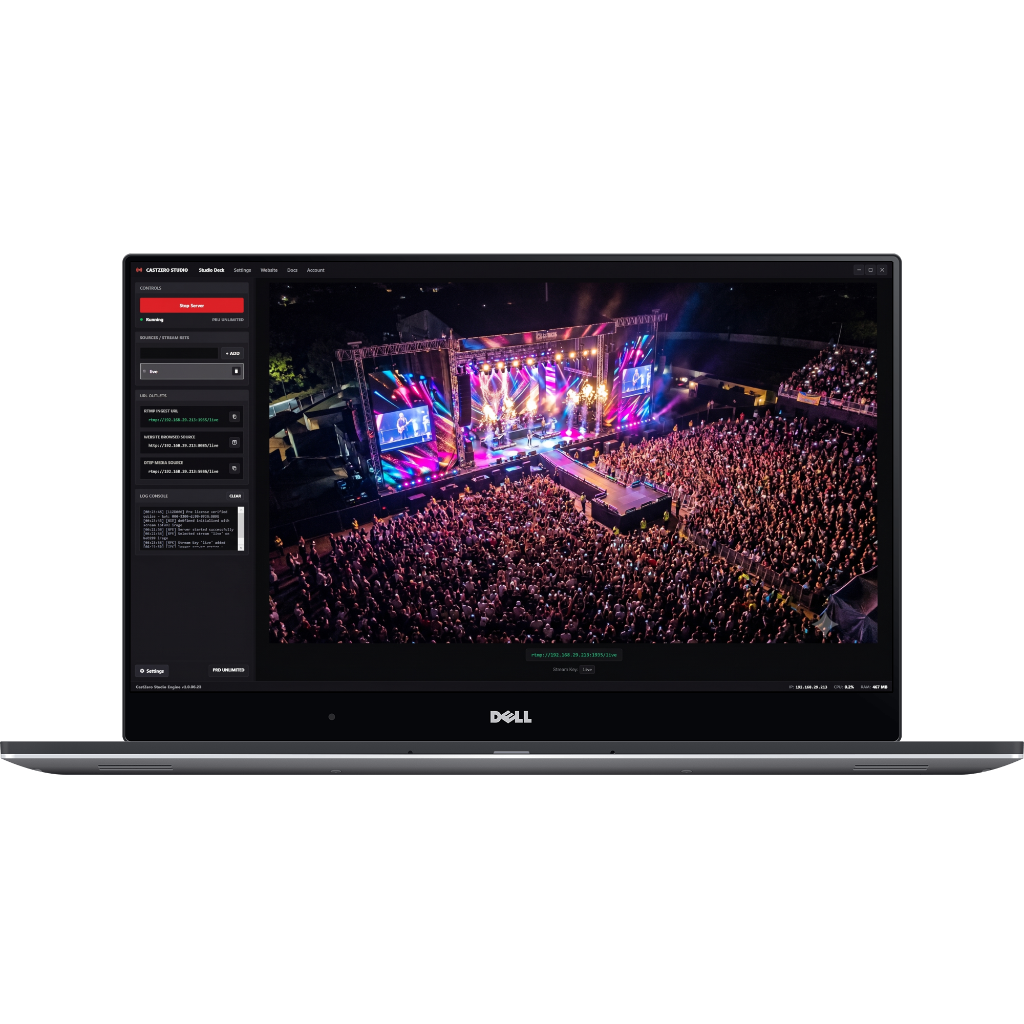
Diagnosing Wireless Transmission Stutter
Frame drops during live video streaming are caused by network packet loss, wireless interference, or CPU/GPU decoding bottlenecks. CastZero provides real-time packet loss indicators in the application header.
Step-by-Step Fixes for Smooth 60fps Video
- Switch to 80MHz Channel Width: In your 5GHz router settings, set channel width to 80MHz or 160MHz for maximum throughput.
- Cap Bitrate to 8Mbps: Avoid exceeding 12Mbps per camera feed on shared Wi-Fi networks.
- Use WebRTC UDP Instead of TCP Media Source: WebRTC drops late frames gracefully rather than freezing the video stream.