✨ Free Software — Trusted by 10,000+ Drone Pilots & Streamers

Free DJI Drone Streaming
With Zero Latency

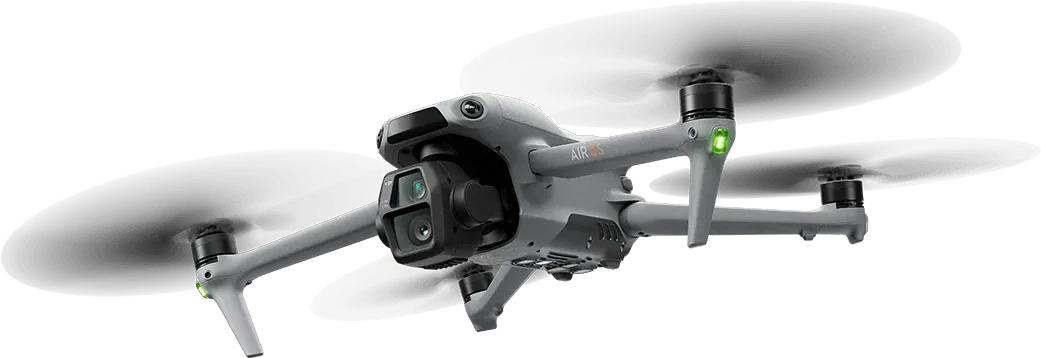
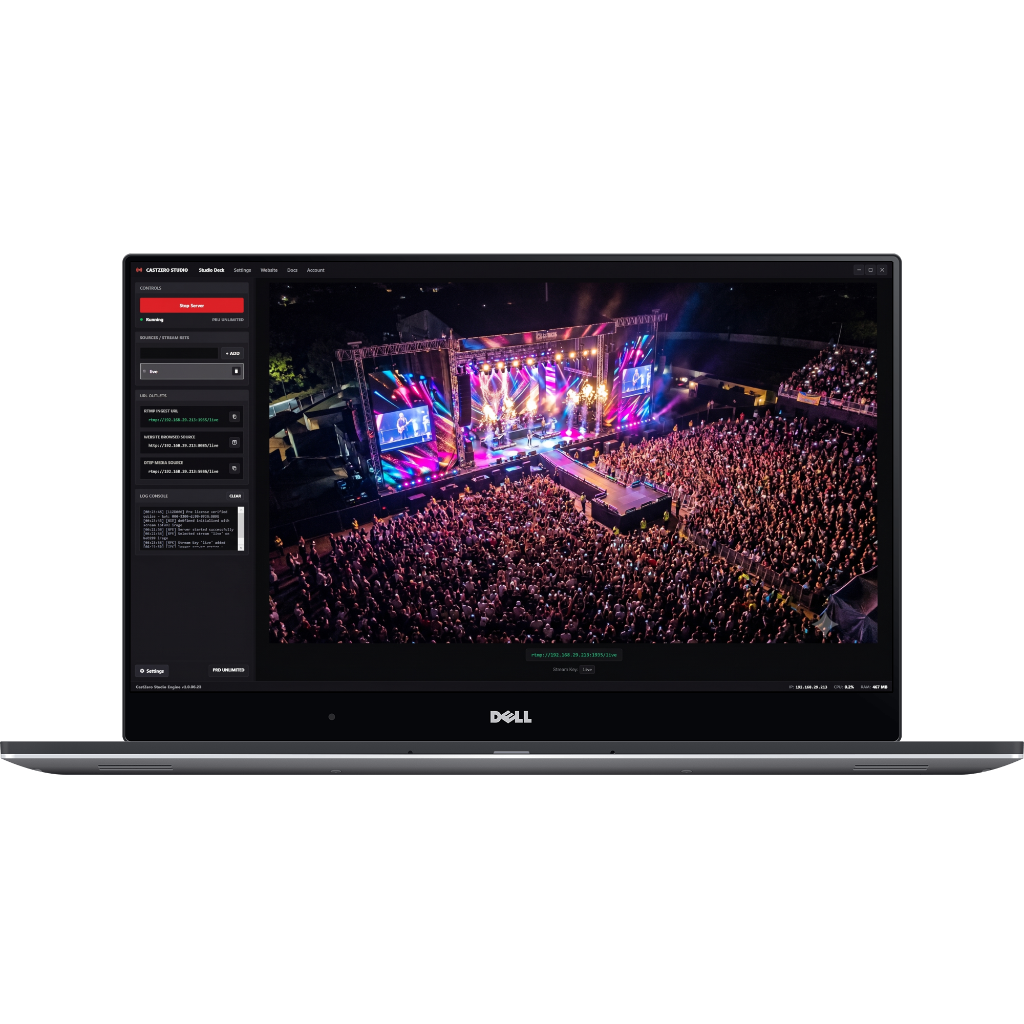
Free RTMP streaming software for Windows. Stream DJI Mini 4 Pro, Mavic 3, Air 3, GoPro, and any camera to OBS Studio with under 100ms delay and zero buffer. No internet required. No setup headaches. Download free and start streaming in under 3 minutes.

< 100ms
Latency
10,000+
Active Users
50+
Supported Devices
24/7
Uptime
Features

Why Choose CastZero?

Everything you need for professional zero-latency streaming

Ultra-Low Latency

Experience true real-time streaming with under 100ms delay. Perfect for live interactions, gaming, and professional productions where every millisecond counts.

DJI Drone Support

Stream from DJI Mavic, Phantom, Inspire, Air, and FPV drones directly to OBS. Capture stunning aerial footage with zero delay for live events and productions.

GoPro & Action Cams

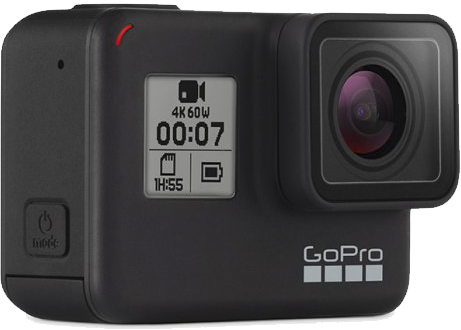
Wireless streaming from GoPro Hero 9/10/11/12, Insta360, and DJI Action cameras. Perfect for action sports, vlogs, and multi-camera setups.

Smartphone Streaming

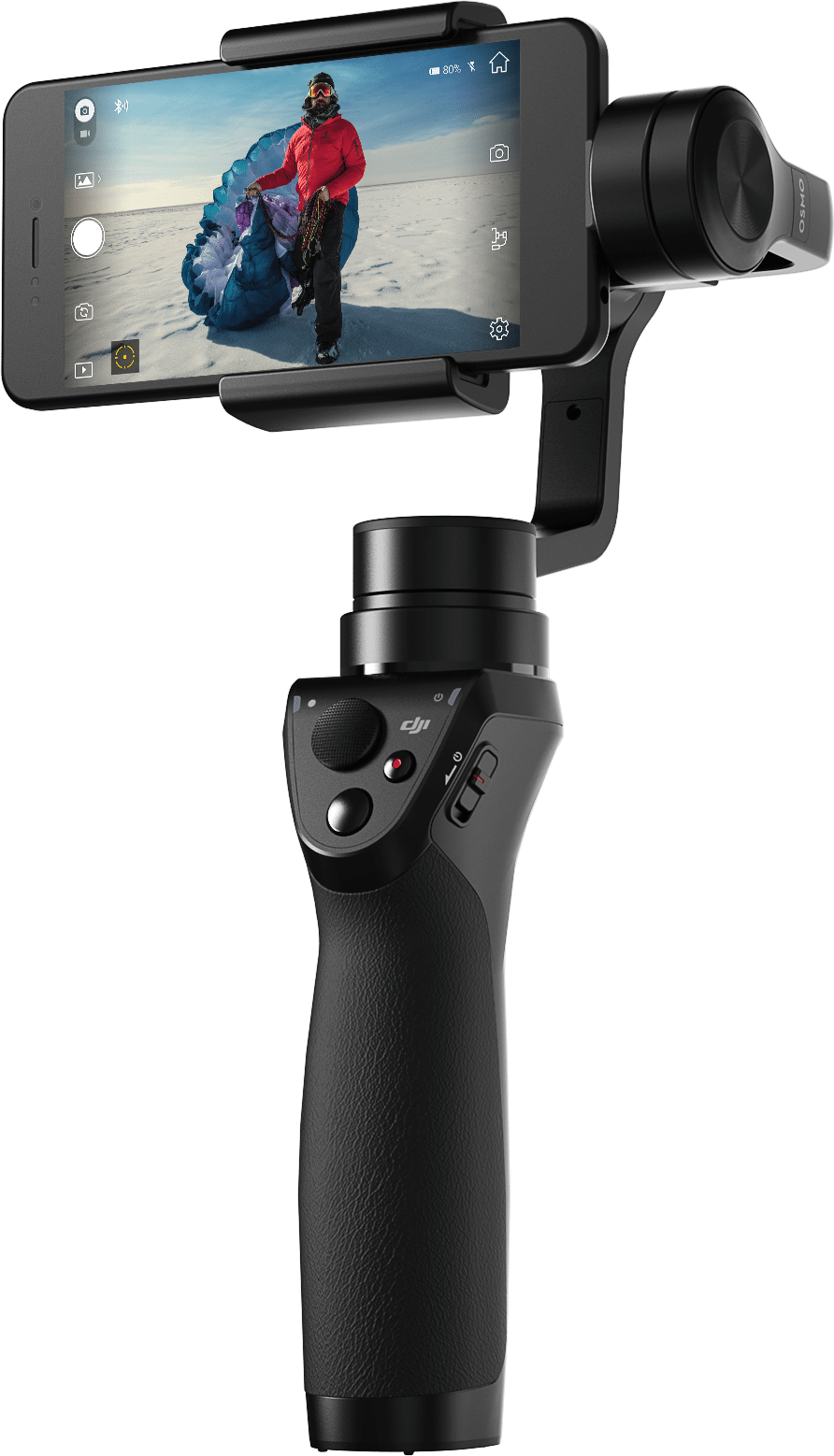
Transform any smartphone into a professional streaming camera using apps like Larix Broadcaster and CameraFi Live. Ideal for IRL streaming and mobile productions.

OBS Studio Integration

Seamlessly integrate with OBS Studio, Streamlabs, vMix, Wirecast, and other professional streaming software. Drag and drop video sources with ease.

Local Network Power

Run your own RTMP server on your local network. No internet required, complete privacy, and unlimited bandwidth. Your data never leaves your network.

Easy Setup

One-click install, automatic configuration. Get streaming in under 3 minutes. No technical knowledge required. Works out of the box.

Hardware Acceleration

Leverage GPU acceleration for smooth 4K60fps streaming. Supports NVIDIA NVENC, Intel Quick Sync, and AMD VCE for maximum performance.

24/7 Support

Get help when you need it with our comprehensive documentation, community forums, and priority email support for Pro users.

How It Works

Get Streaming in 3 Simple Steps

Step 1

Download & Install

Download CastZero, run the installer, and launch the app. Setup takes less than 60 seconds.

Step 2

Connect Your Camera

Point your camera's RTMP output to the server URL shown in CastZero. Works with any RTMP-compatible device.

Step 3

Start Streaming

Add the RTMP source in OBS Studio and start streaming. Monitor your streams in real-time with zero latency.

Use Cases

Perfect For Every Use Case

Gaming & Esports

Stream gameplay from multiple cameras and screens with zero delay. Perfect for LAN parties, tournaments, and multi-cam gaming setups.

Video Production

Professional multi-camera live productions for weddings, concerts, conferences, and corporate events. Monitor all camera angles in real-time.

IRL Streaming

Stream from conventions, festivals, trade shows, and outdoor events using smartphones and portable cameras. Low-latency feedback for real-time interaction.

Sports & Action

Capture extreme sports, skateboarding, BMX, and motorsports with GoPro cameras. Stream live sports events with multiple camera angles.

Aerial Production

Live drone footage for real estate tours, construction monitoring, search and rescue operations, and cinematic aerial shots with DJI drones.

Remote Monitoring

Security monitoring, baby monitoring, pet cameras, and remote site surveillance with local network streaming. No cloud dependency, complete privacy.

Pricing

Simple, Transparent Pricing

Start free, upgrade when you need unlimited streaming

Showing prices in USD • actual charge in INR via PayU
Free
$0
Forever free

Perfect for testing and evaluation

  • 1 minute streaming per session
  • 3 minute cooldown between sessions
  • All basic features
  • Community support
  • Limited to testing purposes
  • No commercial use
Get Started Free
Save 17%
Pro Yearly
$100
per year ($8.33/month)

Best value for serious professionals

  • All Pro Monthly features
  • 17% savings (Save $20/year)
  • Unlimited streaming time
  • No cooldown restrictions
  • Priority support
  • 30-day money-back guarantee
  • Cancel anytime
  • Auto-renews annually
Get Pro Yearly

💳 All plans include: Secure payment processing • Instant activation • Email support

Prices shown in your local currency. Payment processed in INR via PayU. Actual charge depends on live exchange rate at time of purchase.

FAQ

Frequently Asked Questions

What is CastZero and how does it work?

CastZero is a professional RTMP streaming server for Windows that enables zero-latency video streaming from any RTMP-compatible device to OBS Studio and other streaming software. It runs locally on your PC, creating an RTMP server that cameras, drones, and smartphones can connect to. The video is then instantly available in OBS with under 100ms delay.

What cameras and devices are supported?

CastZero supports any device that can output RTMP streams, including: DJI drones (Mavic, Phantom, Inspire, Air, FPV), GoPro cameras (Hero 9-12), Insta360 cameras, DJI Action cameras, smartphones (with apps like Larix Broadcaster or CameraFi Live), webcams, IP cameras, and more. If it outputs RTMP, it works with CastZero.

How fast is "zero latency"? What's the actual delay?

CastZero typically achieves 50-100ms latency between your camera and OBS Studio. This is fast enough to feel instantaneous and is significantly lower than cloud-based solutions (which can have 5-30 seconds of delay). The exact latency depends on your network speed, camera encoding settings, and hardware.

Do I need internet to use CastZero?

No! CastZero works entirely on your local network. You don't need an internet connection for streaming between your cameras and OBS. This ensures complete privacy, unlimited bandwidth, and zero dependency on cloud services. Internet is only needed if you're streaming the final output from OBS to platforms like Twitch or YouTube.

How long does setup take?

Initial setup takes less than 3 minutes. Simply download CastZero, run the installer, and launch the app. It automatically configures everything. Then just point your camera's RTMP output to the URL shown in CastZero, and add the same URL as a Media Source in OBS. That's it!

What's the difference between Free and Pro?

The Free version supports 1 stream at 720p, perfect for testing and personal projects. Pro unlocks unlimited simultaneous streams, 4K60fps support, hardware acceleration (NVENC/Quick Sync), all camera devices, priority support, advanced analytics, and optional remote access. Pro users also get automatic updates and early access to new features.

What are the system requirements?

Minimum: Windows 10/11 (64-bit), Intel i5 or AMD Ryzen 5, 8GB RAM, 500MB disk space. Recommended for 4K: Windows 11, Intel i7/AMD Ryzen 7, 16GB RAM, NVIDIA GPU with NVENC (GTX 1060+) or Intel GPU with Quick Sync. CastZero is optimized to use minimal CPU and RAM resources.

Does CastZero work with vMix, Wirecast, or other streaming software?

Yes! CastZero works with any software that supports RTMP sources, including OBS Studio, Streamlabs OBS, vMix, Wirecast, XSplit, and more. Just add the RTMP URL as a media source in your streaming software.

Is my video data private and secure?

Absolutely. All video streams stay on your local network - nothing is uploaded to the cloud or external servers. CastZero runs entirely on your PC, ensuring complete privacy and security. Your video never leaves your network unless you explicitly stream it to a platform like Twitch/YouTube through OBS.

What support options are available?

All users have access to comprehensive documentation, video tutorials, and community forums. Pro users get priority email support with response times under 24 hours, plus access to our WhatsApp support channel for urgent issues. Pro Yearly users also get 1-on-1 onboarding calls.

Ready to Experience Zero-Latency Streaming?

Join 10,000+ streamers, content creators, and video professionals who trust CastZero for their live production workflows.

Download Free Now View Setup Guide

No credit card required • Windows 10/11 • Free download

Free DJI Streaming

Free Streaming Software for Every DJI Drone

CastZero works with every DJI drone that supports RTMP streaming. Download free and start streaming in minutes — no internet, no cloud, no complex setup.

DJI Drone Model RTMP Support Max Stream Quality CastZero Compatible Best For
DJI Mini 4 Pro ✅ Native 4K30 / 1080p30 ✅ Yes Portable streaming, travel
DJI Mavic 3 / 3 Pro ✅ Native 1080p30 ✅ Yes Professional aerial production
DJI Air 3 ✅ Native 1080p30 ✅ Yes Balanced quality & portability
DJI Air 2S ✅ Native 1080p30 ✅ Yes Budget professional streaming
DJI Mini 3 Pro ✅ Native 1080p30 ✅ Yes Ultralight streaming
DJI Phantom 4 Pro V2 ✅ Native 1080p30 ✅ Yes Mapping & surveying
DJI Inspire 3 ✅ Native 1080p30 ✅ Yes Cinema & broadcast production
DJI FPV / Avata 2 ✅ Native 1080p30 ✅ Yes FPV action & sports streaming

CastZero also works with GoPro Hero 9–13, Insta360 X3/X4, DJI Action cameras, smartphones (via Larix Broadcaster), and any RTMP-compatible device.

Download Free — No Credit Card Needed
Learn & Explore

Latest Guides & Tutorials

In-depth guides for DJI drone streaming, RTMP setup, and professional live production

View All Articles →