Zero-Flicker Camera Switching in OBS Studio
Traditional RTMP sources in OBS Studio suffer from a 2-second black screen flicker whenever a camera reconnects or switches feeds. CastZero eliminates this issue completely by serving a persistent WebRTC canvas.
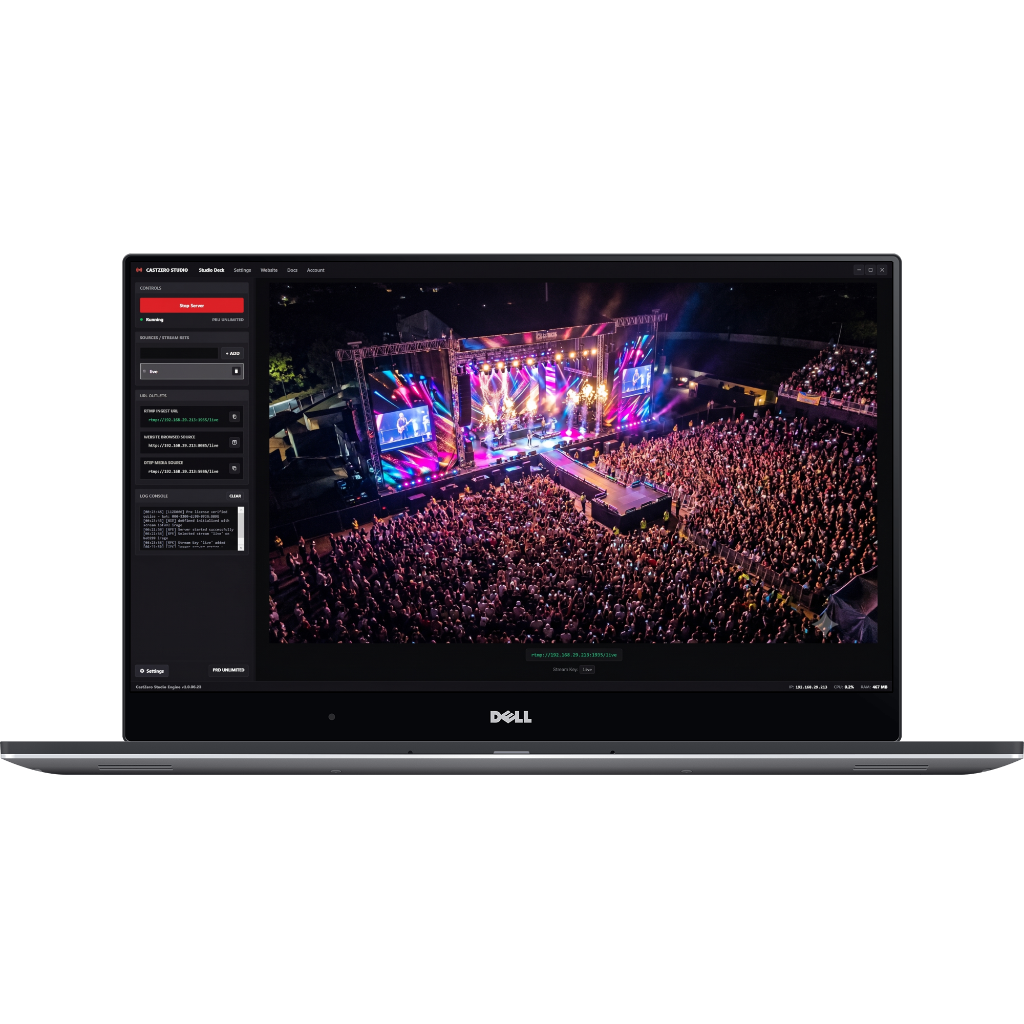 Figure 5: OBS Studio displaying seamless zero-flicker WebRTC stream preview powered by CastZero.
Recommended OBS Browser Source Settings
- URL:
http://localhost:8889/<STREAM_KEY> - Width / Height: 1920 x 1080 (matching your canvas base resolution)
- Control Audio via OBS: Checked (enables individual audio volume control and filters)
- Shutdown source when not visible: Unchecked (prevents re-buffering delays during scene transitions)