Professional Smartphone Camera Ingest
Smartphones feature world-class camera sensors, optical image stabilization, and HEVC/H.264 hardware encoders. Using Larix Broadcaster or CameraFi Live, you can stream mobile video directly to CastZero Engine.
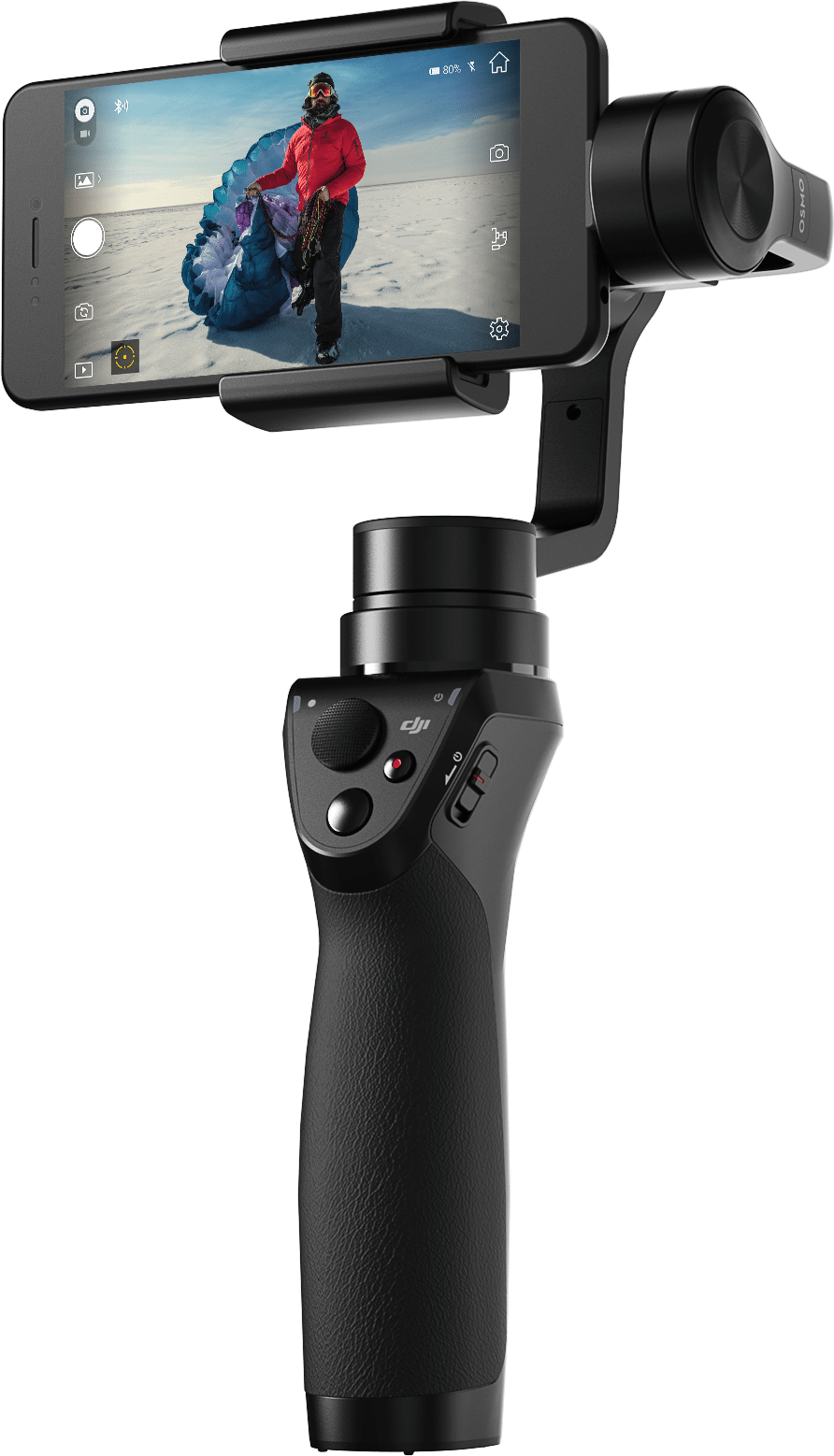 Figure 8: Smartphone mobile rig broadcasting live video feed over local RTMP relay.
Larix Broadcaster Settings
- In Larix Broadcaster, go to Settings → Connections → New Connection.
- Set URL to:
rtmp://<PC_IP>:1935/live/mobile1. - Set Video Format to H.264, Resolution to 1920x1080, Bitrate to 6000 Kbps.
- Start streaming and import
http://localhost:8889/mobile1into OBS Studio!