High-Speed FPV Racing & Freestyle Live Feeds
FPV drone pilots flying DJI Avata 2 or custom 5-inch freestyle quads demand zero latency in their live streams. Even a 200ms delay causes video streams to lag behind the pilot real-time trajectory.
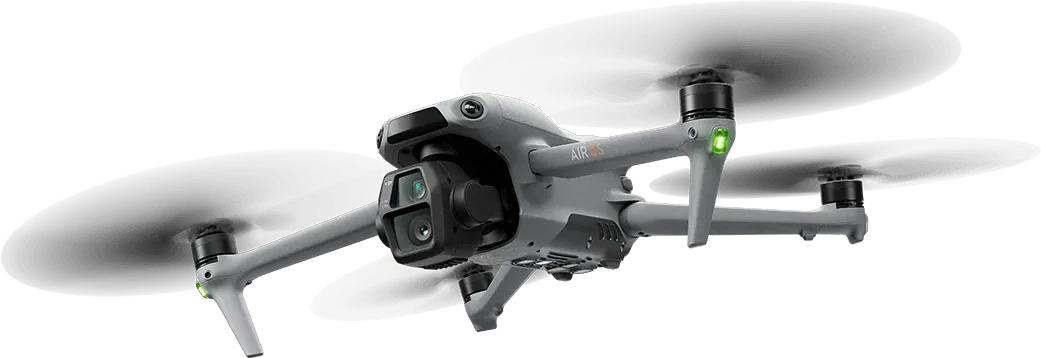 Figure 11: DJI FPV Goggles 2 wireless RTMP stream ingested into OBS Studio canvas.
How to Connect DJI Goggles 2 to CastZero
- Connect your DJI Goggles 2 to your smartphone via USB-C cable. Open the DJI Fly App.
- Tap Camera View → Settings → Transmission → RTMP Streaming.
- Set RTMP URL:
rtmp://<PC_IP>:1935/live/fpv. Tap Start. - In OBS Studio, add Browser Source:
http://localhost:8889/fpv. Enjoy crystal-clear 1080p60 FPV streaming!