Optimizing DJI O3 / O4 Wireless Transmission
DJI O3+ and O4 transmission systems offer up to 20km line-of-sight range. When combined with CastZero local RTMP ingest, your ground station receives high-bitrate video with virtually zero delay.
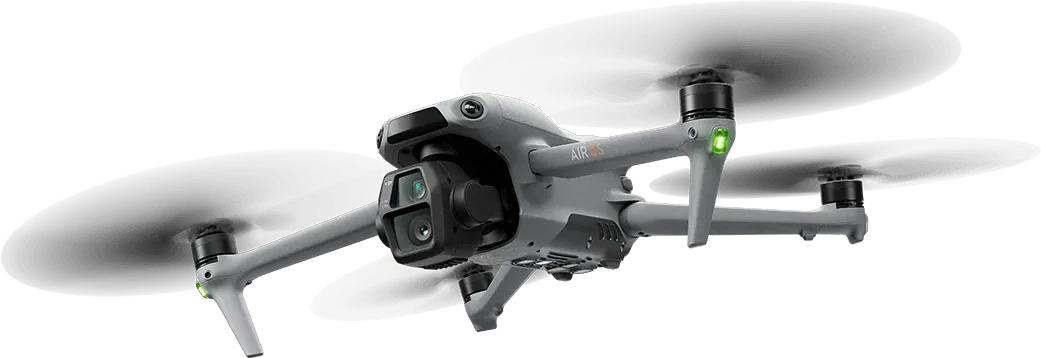 Figure 6: DJI Mavic 3 aerial rig transmitting high-bitrate video to CastZero PC receiver.
Field Pro-Tips for Zero Signal Loss
- Set DJI transmission frequency to 5.8GHz in crowded urban environments.
- Connect your CastZero Windows laptop to your RC controller via ethernet tethering or dedicated 5GHz Wi-Fi router.
- Keep RTMP target frame rate locked to 60fps for maximum motion smoothness.